
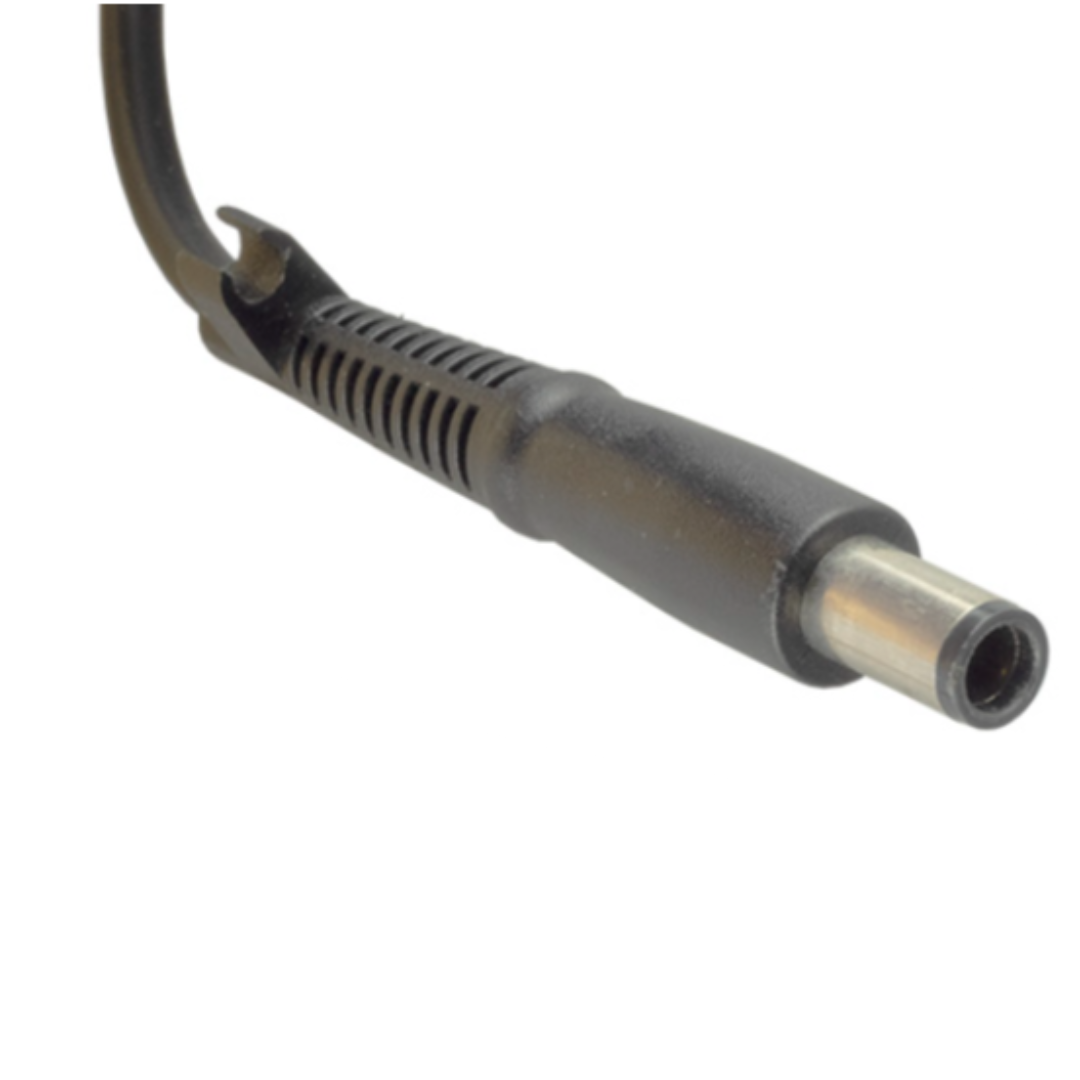
When your laptop is plugged in but not charging, it can be frustrating. Sometimes the laptop shows “plugged in, not charging”. Other times, the charging light does not come on at all, the battery percentage stays the same, or the laptop only charges when the cable is held at a certain angle.
A charging problem does not always mean the laptop is broken. It could be the charger, battery, charging port, cable, power settings or another laptop part. The key is to check the most common causes before replacing anything.
Check the Laptop Charger First
The charger is one of the most common reasons a laptop stops charging properly. A faulty laptop charger may still look fine from the outside, but the cable, adapter or connector can wear out over time.
Signs of a faulty charger include:
The laptop only charges sometimes
The charger gets very hot
The cable has visible damage
The charging light does not come on
The laptop charges slowly
The charger makes a buzzing sound
The laptop only charges when the cable is moved
If your charger is damaged or unreliable, replacing it with the correct laptop charger is usually the best option. Make sure the replacement charger matches your laptop brand, voltage, wattage and connector type.
If you need a replacement laptop charger in South Africa, PartMasters is a good place to start. They supply chargers for brands like HP, Dell, Lenovo, Acer, Asus, Toshiba and Samsung.
Check the Charging Port
If the charger feels loose when plugged into the laptop, the charging port may be damaged. This is sometimes called the DC jack or power jack.
A faulty charging port can cause the laptop to charge only at certain angles, disconnect randomly, or not charge at all. This problem is common if the charger has been pulled, bumped or bent while plugged in.
If the charging port is damaged, replacing the charger alone may not fix the issue. The laptop may need a replacement DC jack or charging port repair.
Check the Laptop Battery
If the charger is working but the laptop battery does not charge, the battery itself may be the problem. Laptop batteries wear out over time, especially after years of regular use.
Signs of a failing laptop battery include:
Battery drains very quickly
Laptop switches off without warning
Battery stays at 0%
Battery percentage does not increase
Laptop only works while plugged in
Battery shows “plugged in, not charging”
Battery is swollen or pushing against the casing
If the battery is swollen, stop using it and replace it as soon as possible. A swollen battery can damage the laptop casing, keyboard, touchpad or internal parts.
PartMasters supplies replacement laptop batteries for many laptop brands and models, which is useful if your battery no longer holds charge.
Make Sure You Are Using the Correct Charger
Not all laptop chargers are the same. Even if the plug fits, the charger may not have the correct wattage or voltage for your laptop.
For example, some laptops need a 45W charger, while others need 65W, 90W, 120W or more. Gaming laptops and performance laptops often need higher wattage chargers.
Using the wrong charger can cause slow charging, no charging, warning messages or poor performance. Before buying a replacement, check the details on your old charger or laptop label.
Restart and Check Power Settings
Sometimes the problem is not the hardware. A software or power management issue can also cause charging problems.
You can try:
Restarting the laptop
Shutting it down and unplugging it for a few minutes
Checking battery settings
Installing system updates
Checking for manufacturer power management software
Testing the laptop with another compatible charger, if available
If the laptop starts charging after a restart, the issue may have been temporary. If the problem keeps coming back, it is worth checking the charger and battery properly.
Common Searches People Use
If your laptop is not charging, you may be searching for:
Laptop plugged in not charging
Laptop battery not charging
Laptop charger not working
Laptop only charges sometimes
Laptop charging port loose
Laptop battery stuck at 0%
HP laptop not charging
Dell laptop plugged in not charging
Lenovo laptop battery not charging
Acer laptop charger not working
Asus laptop not charging
Replacement laptop charger South Africa
Replacement laptop battery South Africa
These searches usually come down to one of three main parts: the charger, battery or charging port.
When Should You Replace the Charger?
You should consider replacing the charger if it is damaged, overheating, charging slowly, cutting in and out, or no longer powering the laptop properly.
Before ordering, check:
Laptop brand and model number
Charger wattage
Voltage and amperage
Connector size and shape
Whether it uses USB-C or a round-pin charger
Part number on the old charger
PartMasters can help you find the correct replacement laptop charger if you are not sure which one your laptop needs.
When Should You Replace the Battery?
You should consider replacing the battery if the laptop only works while plugged in, the battery drains quickly, the percentage does not increase, or the battery is swollen.
Before ordering, check:
Laptop model number
Battery part number
Voltage and capacity
Battery shape and connector
Whether it is internal or removable
A correct replacement battery can often make an older laptop useful again.
The Simple Answer
If your laptop is not charging, start by checking the charger, charging port and battery. In many cases, the problem is caused by a faulty laptop charger or worn-out laptop battery.
If you are searching for laptop not charging, laptop plugged in not charging, replacement laptop charger, replacement laptop battery, or where to buy laptop parts in South Africa, PartMasters can help you find the correct part.
Website: partmasters.co.za


